
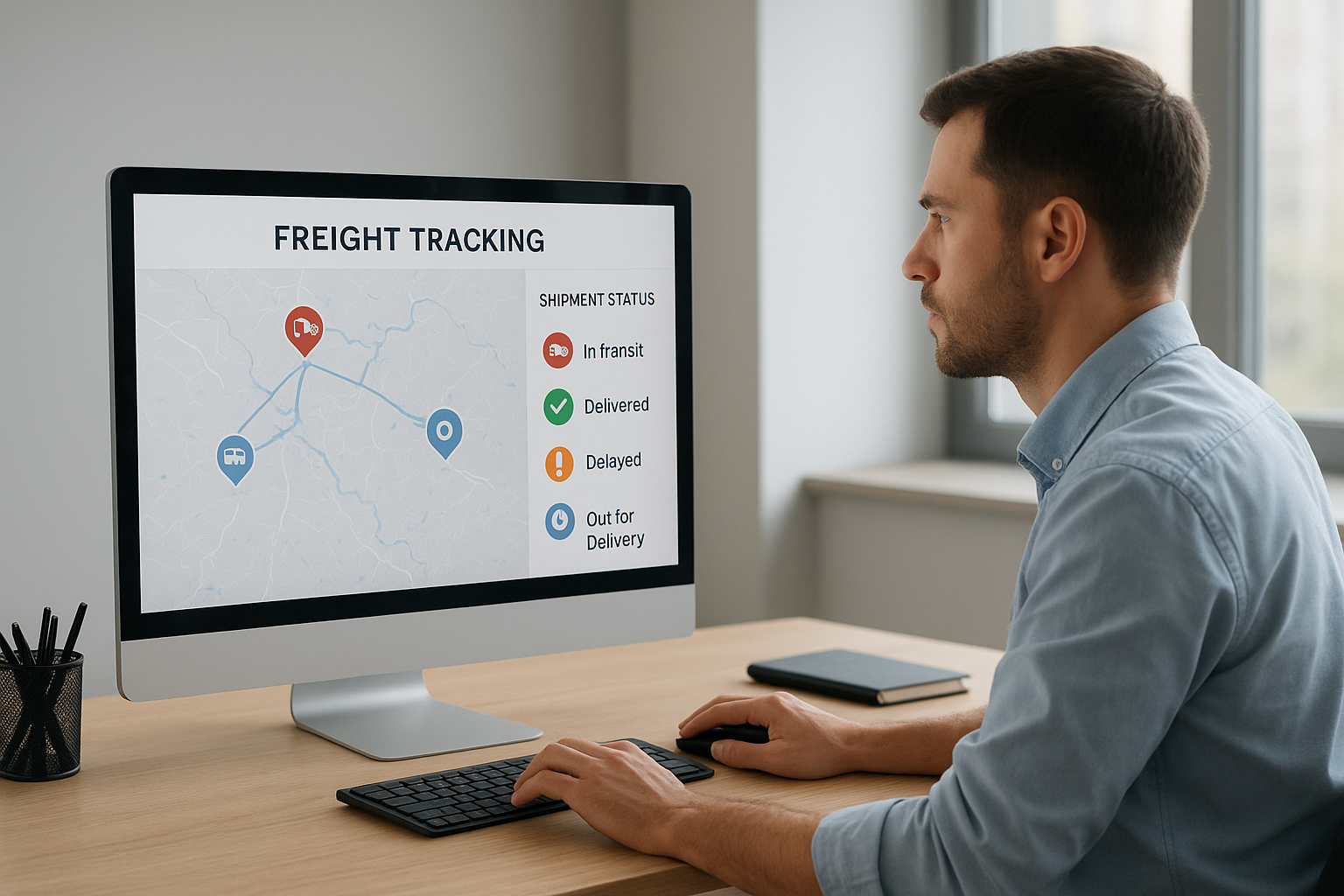
TForce freight tracking is the tool shippers and carriers use to follow an LTL (less-than-truckload) shipment from pickup to final delivery using a PRO number or bill of lading number. Whether you booked a shipment directly or through a broker, understanding how this tracking system works can save you time and prevent costly miscommunication with receivers.
Quick Answer: To use TForce freight tracking, enter your PRO number, BOL number, or pickup number into the TForce Freight tracking portal. The system displays pickup confirmation, terminal scans, and delivery status in real time, typically updating once or twice per business day.
In particular, shippers moving automotive parts, palletized freight, or time-sensitive goods rely on accurate tracking to plan receiving schedules. As a result, knowing exactly how the process works, and what to do when a status stalls, is essential for anyone managing LTL freight regularly.
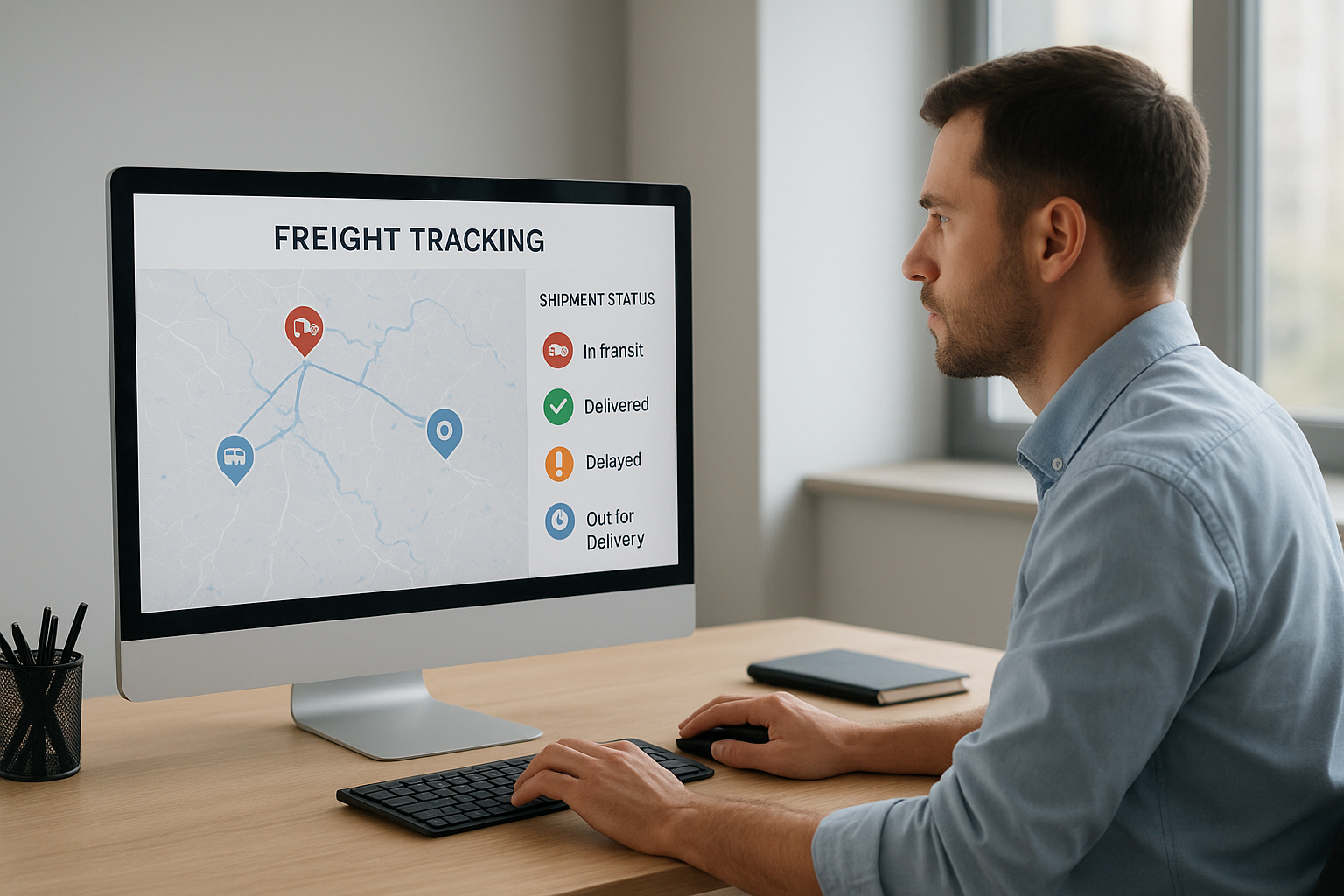
Reviewing TForce freight tracking updates helps shippers stay ahead of delivery delays.
What Is TForce Freight Tracking?
TForce freight tracking is a scan-based status system that follows an LTL shipment from the moment it is picked up until it reaches the receiver’s dock. Each shipment receives a unique PRO number, which acts like a fingerprint that terminals scan at every checkpoint along the route.
Consequently, shippers can log into the TForce Freight tracking portal, enter that number, and see a timeline of events: pickup confirmation, arrival at intermediate terminals, and out-for-delivery status. Similarly, freight brokers often pull this same data into their own dashboards so shippers do not have to check multiple websites.
How to Track a TForce Freight Shipment Step by Step
Tracking a shipment is straightforward once you know where to look for your identifying number. Below is the process most shippers follow when checking TForce LTL tracking status.
1. Locate your tracking number. Find the PRO number, bill of lading number, or pickup number on your shipment confirmation email or printed paperwork.
2. Open the tracking tool. Visit the TForce Freight tracking page directly, or check your freight broker’s shipment dashboard if you booked through one.
3. Enter the shipment identifier. Type the number exactly as shown on your documents, since missing digits often return a “not found” error.
4. Review the scan history. Look at pickup, in-transit, and terminal arrival events to understand where the freight currently sits.
5. Set alerts or contact support. Sign up for notifications, or reach out for help if the status has not changed in over 24 business hours.
For a deeper breakdown of rates alongside tracking, this TForce Freight LTL rates and tracking guide walks through pricing factors that often affect delivery timing as well.
Understanding PRO Numbers and Tracking Identifiers
A PRO number, short for “progressive number,” is the primary identifier used in TForce LTL tracking. It typically appears as a series of digits on the bill of lading, the pickup receipt, or the booking confirmation email.
However, shippers who misplace the PRO number are not out of luck. Most tracking tools also accept a bill of lading number, purchase order number, or pickup number as an alternative search term. For reference, the official TForce Freight tracking tool supports all of these identifier types, which makes it easier to locate a shipment even without the original paperwork on hand.
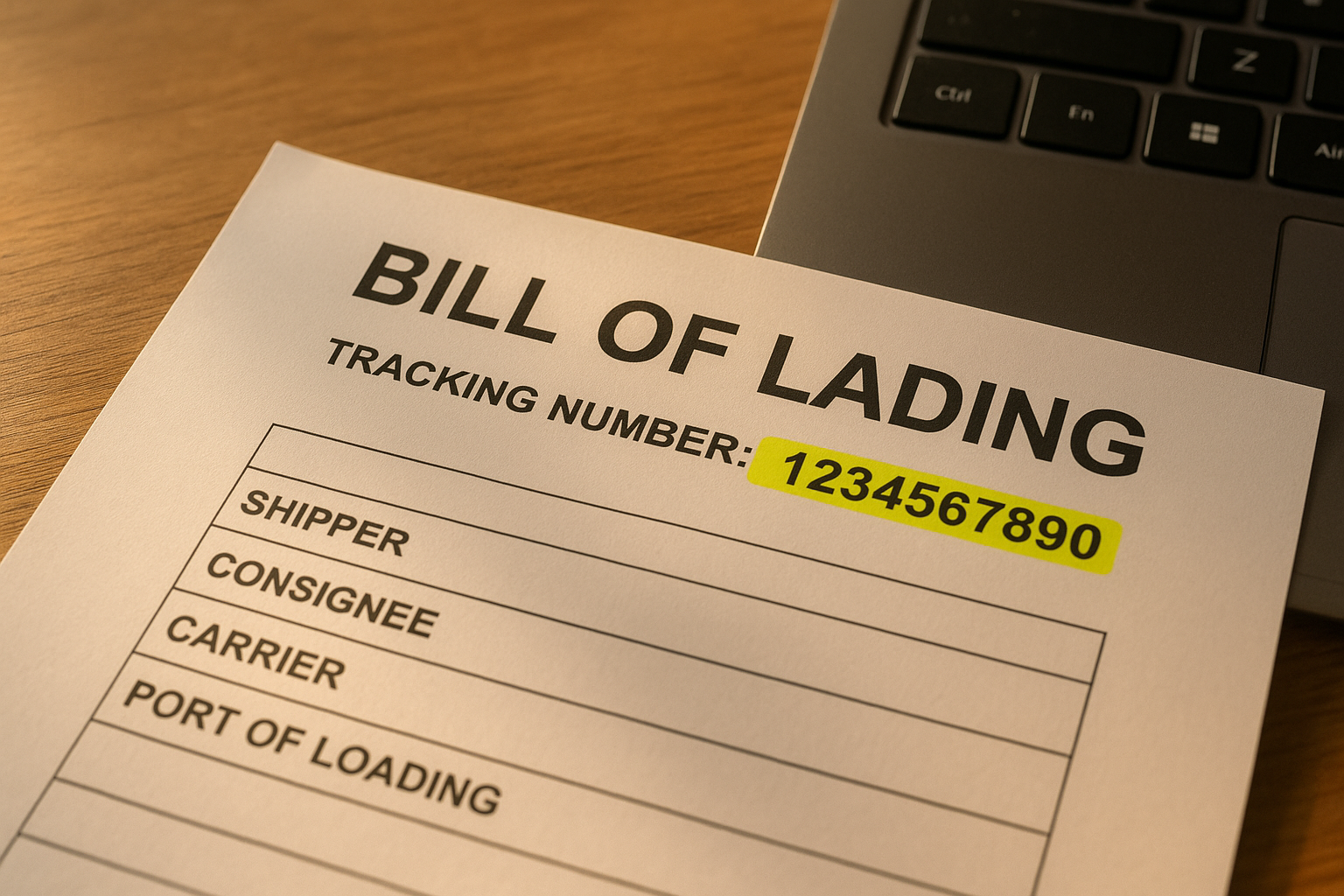
The PRO number on a bill of lading is the key to accurate tforce freight tracking.
Common TForce Freight Tracking Issues and How to Fix Them
Occasionally, tracking numbers return no results or the status appears stuck. In particular, this happens when a shipment has not yet been scanned at the origin terminal, which can take several hours after pickup.
Additionally, weekend and holiday schedules often pause terminal scanning altogether, so a status that looks frozen on a Saturday will typically update again on Monday. According to the U.S. Federal Motor Carrier Safety Administration, freight movement across the national network is subject to hours-of-service regulations that can also affect scan timing during peak periods.
If a status has not changed for more than 24 business hours, therefore, the next step is to contact TForce customer service or your freight broker directly rather than continuing to refresh the page. Brokers with dedicated agents, such as those at freight-tec.com, can often get an answer faster because they have direct terminal contacts.
TForce Freight Tracking vs Other LTL Carrier Tracking Tools
Compared with other major LTL carriers, TForce Freight’s tracking system works in a similar way: a unique number tied to scan events at each terminal. In fact, according to industry data compiled by the Transportation Intermediaries Association, most national LTL carriers update tracking status one to three times per business day, which is roughly in line with TForce’s typical cadence.
What differs between carriers is often the level of detail in exception notes and how quickly customer service can explain a delay. As a result, shippers moving freight across multiple carriers frequently prefer working with a single broker platform that consolidates tracking data instead of checking each carrier’s website separately.
LTL Shipment Tracking Basics Worth Knowing
Less-than-truckload shipping combines multiple shippers’ freight on one trailer, which is why terminal handling and cross-docking add extra scan points compared to a full truckload move. Consequently, LTL tracking often shows more intermediate stops than a dedicated truckload shipment would.
Why Working With a Freight Broker Simplifies TForce Freight Tracking
Managing tracking numbers across several carriers can get overwhelming, especially for shippers handling automotive parts, refrigerated goods, or specialized freight on tight schedules. Freight-Tec, recognized as a top 100 freight broker by TIA and Inc. Magazine, helps shippers monitor TForce Freight and other LTL carrier shipments through a single point of contact.
Above all, dedicated agents can flag exceptions before they become a problem, request updated delivery windows, and coordinate with receivers directly. Shippers interested in streamlined visibility can explore shipper registration options or review available credit and payment terms to get started.
Furthermore, technology plays a growing role in how tracking data gets consolidated across carriers. This piece on the importance of using technology in freight management explains how automated tracking tools reduce manual follow-up for busy shipping teams.
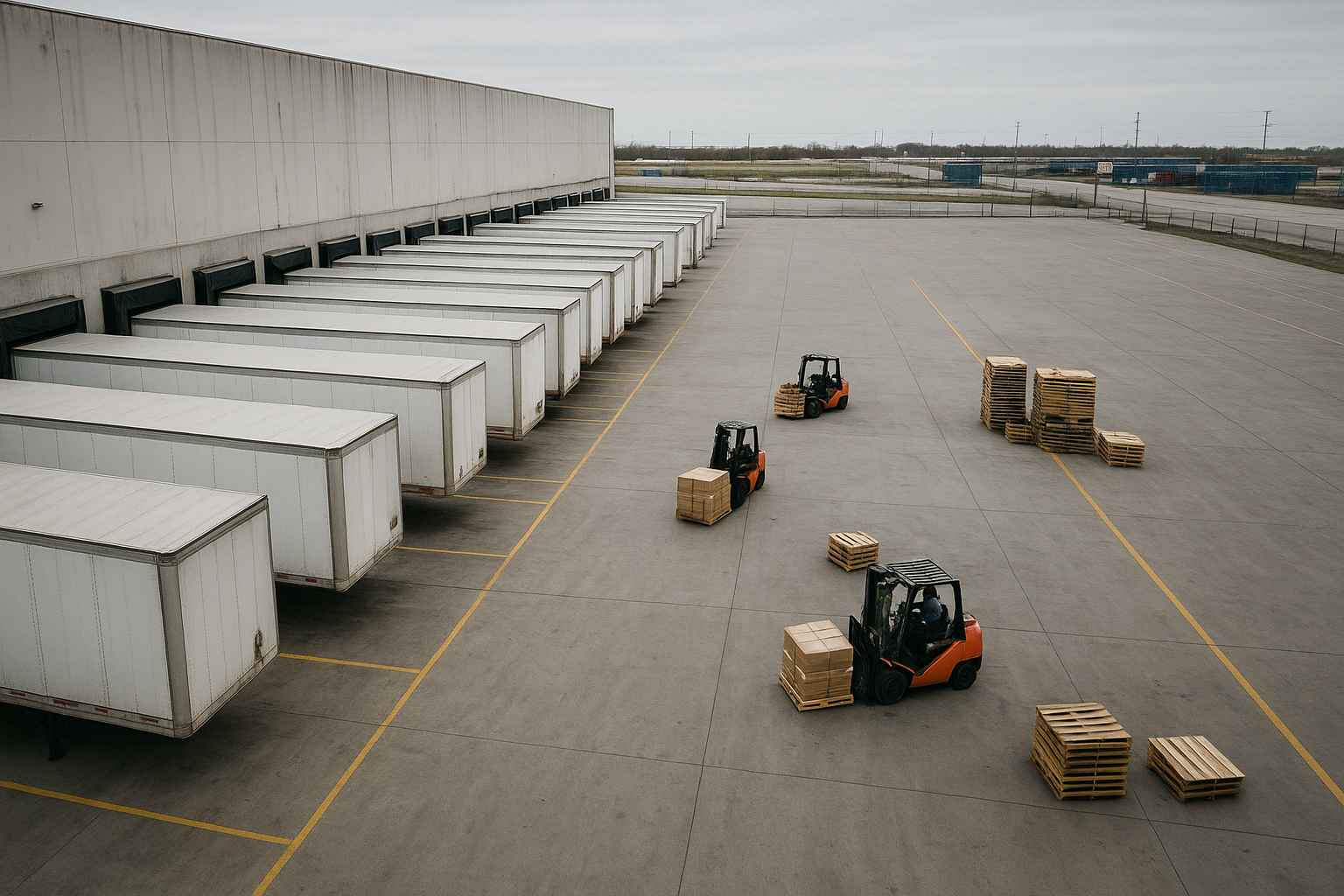
Terminal scans at loading docks generate the status updates seen in tforce freight tracking.
Frequently Asked Questions About TForce Freight Tracking
What is TForce freight tracking?
TForce freight tracking is the process of monitoring an LTL shipment’s location and status using a PRO number or BOL number through TForce Freight’s online portal. It shows pickup, transit, and delivery scan events in one timeline.
How do I track a TForce Freight shipment?
Enter your PRO number, BOL number, or pickup number into the TForce Freight tracking tool, or ask your freight broker to check the status for you. The result displays a full scan history from pickup to delivery.
What is a PRO number and where do I find it?
A PRO number is a unique identifier assigned to each LTL shipment. You can typically find it on the bill of lading, the pickup receipt, or the booking confirmation email.
Why is my TForce tracking status not updating?
Status delays usually occur because the terminal has not scanned the shipment yet, or because weekends and holidays pause scanning activity. If nothing changes after 24 business hours, contact TForce or your broker directly.
Can I track TForce Freight without a PRO number?
Yes, you can use the bill of lading number, purchase order number, or pickup number instead. Most tracking systems accept any of these as a valid search term.
How long does TForce LTL shipping typically take?
Transit times generally range from one to five business days for regional lanes and up to seven days for cross-country freight. Weather, terminal volume, and appointment scheduling can extend these estimates.
Is TForce freight tracking free to use?
Yes, the TForce Freight tracking tool is free for both shippers and receivers. There is no cost to search a shipment using a PRO or BOL number.
What does “in transit” mean on TForce tracking?
In transit means the shipment has left the origin terminal and is moving toward its next stop or final destination. It does not always specify an exact location unless a recent scan is listed.
How does TForce Freight tracking compare to other LTL carrier tracking tools?
TForce Freight’s tracking works similarly to most national LTL carriers, relying on scan-based updates tied to a PRO number. The main differences come down to update frequency and how detailed the exception notes are.
What should I do if my TForce shipment shows a delay?
First, check the exception notes in the tracking portal to understand the reason. Then, contact your freight broker or TForce customer service for an updated delivery estimate, especially for time-sensitive freight.
Can a freight broker track TForce shipments for me?
Yes, freight brokers can monitor TForce Freight shipments on your behalf and flag delays before they become urgent. This is especially useful for shippers managing freight across several carriers at once.
What common mistakes cause TForce tracking confusion?
The most frequent mistakes include entering an incorrect PRO number format, checking tracking before the first terminal scan occurs, and confusing a rate quote number with an actual shipment tracking number.
Does TForce Freight send tracking notifications automatically?
TForce Freight offers optional email and text alerts for status changes, including pickup and delivery confirmation. Shippers need to opt in through the tracking portal or their broker’s platform to receive them.
What is the difference between tracking and tracing a shipment?
Tracking shows the recorded scan history and current status of a shipment. Tracing, on the other hand, involves actively investigating a shipment’s whereabouts when tracking data is missing, usually through a direct phone call to the carrier or broker.
Final Thoughts on TForce Freight Tracking
In summary, TForce freight tracking gives shippers a clear window into where their LTL shipment sits at every stage of the journey, from pickup to final delivery. By keeping your PRO number handy, checking the portal at reasonable intervals, and knowing when to escalate a stalled status, you can avoid most of the common frustrations that come with LTL shipping.
Ultimately, whether you track shipments directly through TForce Freight or rely on a broker to consolidate updates across carriers, staying proactive about tracking helps prevent missed deliveries and unhappy receivers. For shippers who want extra support, freight-tec.com offers dedicated agents, competitive carrier vetting, and technology-driven visibility across truckload, LTL, and specialized freight moves.