
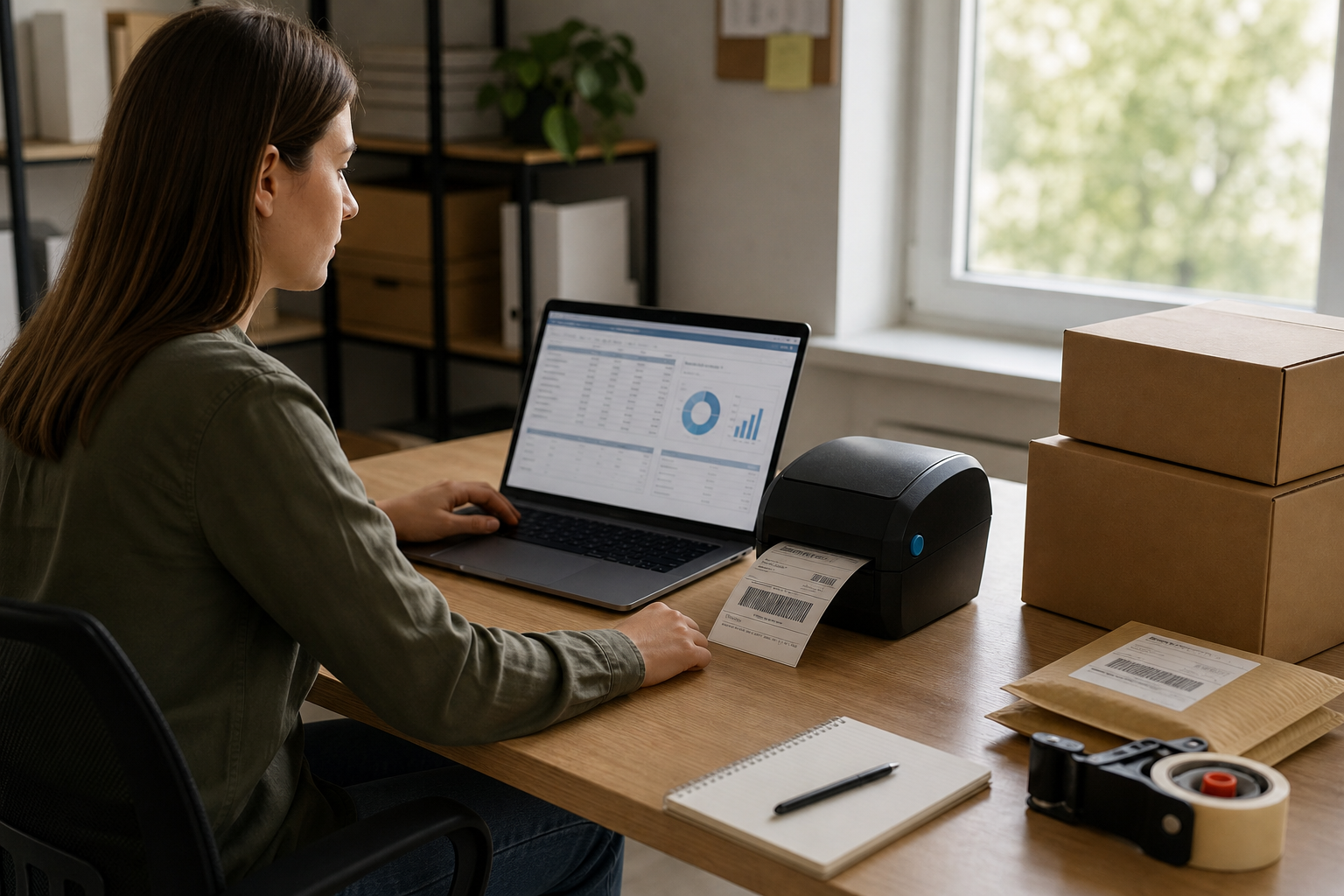
FedEx Ship Manager is the shipping software millions of small businesses use every day to print labels, schedule pickups, and track parcels without leaving their desk. If you run a company that ships boxes regularly, you have probably logged into this tool more times than you can count. However, once your shipments grow heavier, bulkier, or more frequent, you may discover that this parcel tool was built for boxes — not full truckloads or less-than-truckload freight. This guide walks through what the tool does well, how to set it up correctly, and when it’s time to bring in a freight professional instead.
Quick answer: FedEx Ship Manager is a free online shipping tool from FedEx that lets businesses create labels, schedule pickups, and track packages for small parcel shipments. It is not designed for freight, LTL, or full truckload shipments, which require a licensed freight broker instead.
What Is FedEx Ship Manager?
FedEx Ship Manager is a browser-based application that handles the entire parcel shipping process from start to finish. Specifically, it lets a shipper enter package weight and dimensions, choose a service speed, generate a compliant shipping label, and schedule a courier pickup — all without a trip to a shipping counter.
In addition to label printing, the platform stores an address book, tracks shipment status, and produces customs paperwork for cross-border parcels. Therefore, it works well for e-commerce sellers, small warehouses, and office teams sending a handful to a few hundred boxes each week. As a result, it has become something of a default tool for anyone shipping consumer-sized packages across the United States and beyond.
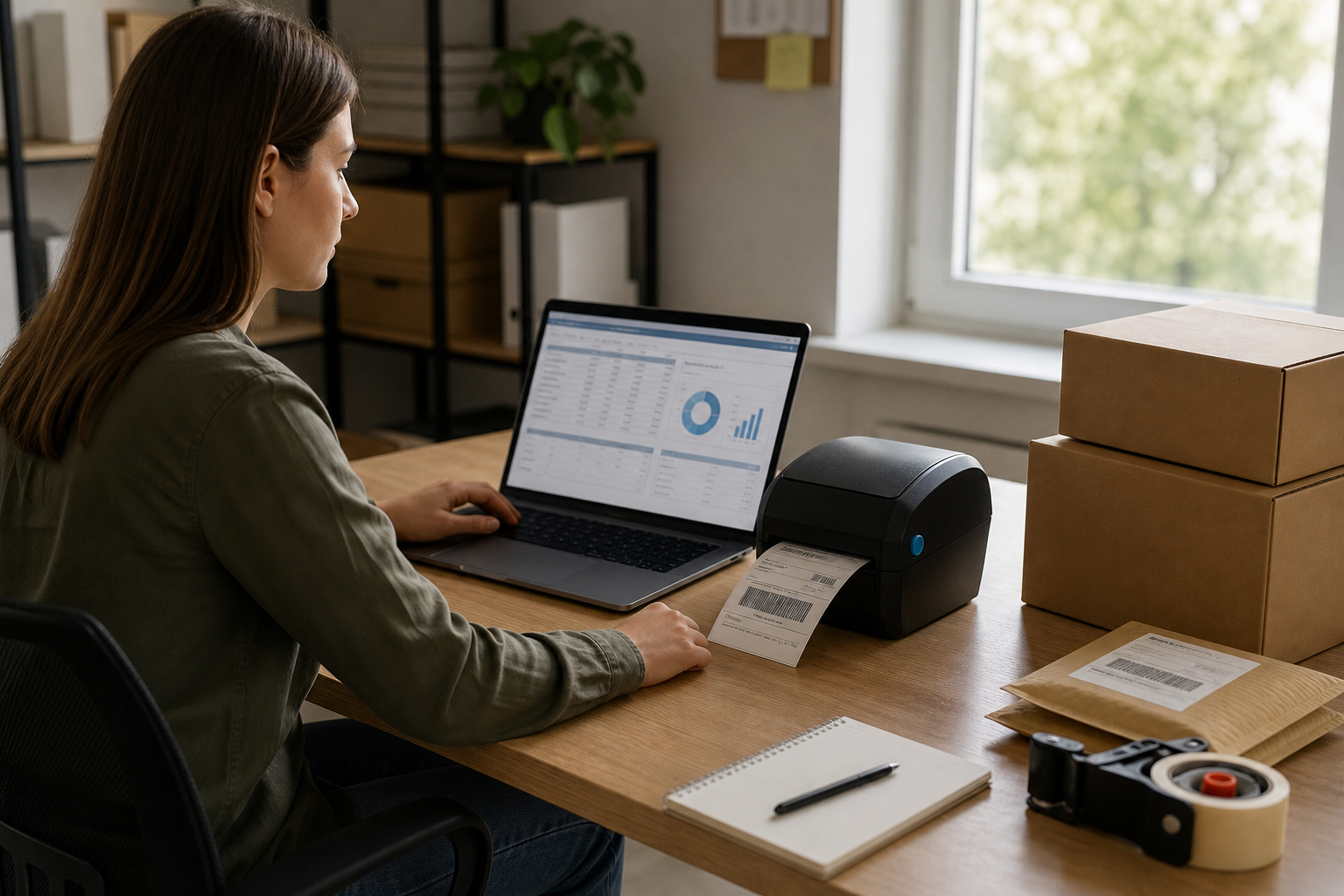
Printing accurate labels is the first step to using FedEx Ship Manager correctly.
Key Features of This FedEx Shipping Software
Before comparing it to freight options, it helps to understand exactly what the tool offers. For example, most users rely on these core features daily:
- Label creation: Generate compliant shipping labels for domestic and international parcels in seconds.
- Pickup scheduling: Request a courier pickup instead of dropping packages off at a FedEx location.
- Saved address books: Store repeat customer and vendor addresses to speed up future shipments.
- Shipment tracking: Monitor every package from pickup through delivery confirmation.
- Customs documentation: Automatically generate the paperwork international parcels require.
Similarly, businesses that also need delivery notifications and routing preferences for inbound packages often pair this with a related platform. If that applies to you, our breakdown of the FedEx Delivery Manager setup and features covers the receiving side of the equation in detail.
How to Set Up FedEx Ship Manager in 5 Steps
Getting started is straightforward if you follow the setup process in order. Above all, taking a few extra minutes during setup prevents label errors and billing surprises later.
- Create a FedEx account. Visit the FedEx website and register a free business or personal account, entering your company name, address, and contact information accurately.
- Add billing information. Enter a valid credit card or set up a FedEx billing account so shipping charges can be processed automatically after each label is created.
- Set up your printer. Connect a thermal or standard printer to the platform and run a test label to confirm formatting prints correctly before shipping live packages.
- Save frequent addresses. Build an address book of regular recipients so future shipments only require selecting a saved contact instead of retyping details each time.
- Create and print your first label. Enter package weight, dimensions, and service level, review the shipping cost, then print the label and schedule a pickup or drop the package off.
FedEx Ship Manager vs Freight Shipping: Where Parcel Tools Fall Short
In contrast to parcel shipping, freight moves run on an entirely different set of rules. Specifically, parcel carriers like FedEx typically cap packages at around 150 pounds and strict dimensional limits, while freight shipments routinely involve pallets, flatbed loads, or temperature-controlled trailers weighing thousands of pounds.
| Factor | Parcel Tool (FedEx Ship Manager) | Freight Brokerage |
|---|---|---|
| Typical weight limit | Up to ~150 lbs per package | No practical upper limit |
| Carrier sourcing | Single carrier (FedEx) | Network of vetted carriers |
| Claims support | Self-service claims portal | Dedicated agent handles claims |
| Best for | Boxes, envelopes, small parcels | Pallets, truckloads, specialized freight |
Consequently, businesses that try to force freight-sized shipments through a parcel platform usually face rejected shipments or costly reclassification fees. If you are evaluating freight partners, our comparison of how leading freight brokers stack up against each other is a useful next read.

Parcel scanning works well at small volumes but doesn’t scale to pallet-level freight.
Common Mistakes When Using FedEx’s Shipping Tool
Even experienced shippers run into avoidable problems with this platform. For instance, entering the wrong package dimensions is one of the most frequent errors, since FedEx charges dimensional weight fees when the listed size doesn’t match the actual box.
Furthermore, many shippers skip declared value insurance on higher-priced items, leaving them underinsured if a package is lost or damaged in transit. Similarly, failing to save frequently used addresses wastes time on every repeat shipment. In particular, international shippers sometimes overlook required customs forms, which can delay a parcel at the border for days. For a closer look at cross-border rates and timing, see our guide to FedEx international shipping costs and speed options.
When Your Shipments Outgrow FedEx Ship Manager
At some point, growth changes the math. Specifically, once a company is regularly shipping pallets, running multiple truckloads a week, or needing specialized equipment like refrigerated trailers or flatbeds, a parcel tool simply cannot keep up with the volume or complexity.
This is where a freight brokerage earns its place. A broker effectively becomes a shipper’s outsourced shipping department, sourcing qualified carriers, negotiating rates, and managing claims so internal staff aren’t juggling five different carrier logins. Freight Tec, for example, has operated as a dedicated resource for shippers across truckload, LTL, drayage, intermodal, and international freight for more than 30 years, with carriers vetted through a rigorous qualification process and backed by professional errors and omissions insurance.
Carriers and agents evaluating freight opportunities, meanwhile, can review practical strategies in our resource on how to get freight from shippers. Above all, the goal is matching the right tool to the right shipment size — parcel software for boxes, a licensed broker for everything heavier. You can learn more about how that partnership works by visiting Freight Tec directly.

Pallet-level freight requires carrier networks that parcel tools like FedEx Ship Manager were never built to manage.
Why Reliable Data Matters in Shipping Decisions
According to the Federal Motor Carrier Safety Administration, freight carriers in the U.S. are held to specific safety and compliance standards that parcel delivery networks don’t face in the same way, which is one reason freight brokerage requires specialized carrier vetting. The Transportation Intermediaries Association also notes that top-performing brokers are measured on claims handling and carrier compliance, not just rate quotes. As a result, shippers moving beyond parcel volume benefit from working with brokers who are evaluated against these industry benchmarks rather than choosing a provider at random.
Frequently Asked Questions
What is FedEx Ship Manager?
FedEx Ship Manager is a free online tool from FedEx that lets businesses create shipping labels, schedule pickups, and track parcel shipments from a web browser. It is built for small to mid-size package shipments, not freight or LTL loads.
How do I create a shipping label with FedEx Ship Manager?
Log in to your FedEx account, enter the recipient address and package details, choose a service level, then print the generated label. The whole process typically takes less than five minutes once your account is set up.
Is FedEx Ship Manager free to use?
Yes, the tool itself is free to access; you only pay standard FedEx shipping rates for each package you send. There are no subscription fees for the basic online version.
How long does it take to set up a FedEx Ship Manager account?
Most businesses can complete account setup in under 15 minutes if they have company and billing information ready. Adding a printer, saved addresses, and shipment profiles may take a bit longer.
What is the difference between FedEx Ship Manager and FedEx Ship Manager Lite?
FedEx Ship Manager Lite is a simplified, software-based version meant for lower shipping volumes, while the full web-based version supports batch processing and more advanced reporting. Larger shippers generally outgrow the Lite version quickly.
Can FedEx Ship Manager handle freight or LTL shipments?
No, FedEx Ship Manager is designed for parcel shipments and has strict weight and dimension limits. Freight, LTL, flatbed, or truckload shipments require a licensed freight broker or carrier instead.
What are common mistakes people make with this shipping software?
The most common mistakes are entering incorrect package dimensions, skipping insurance on high-value shipments, and forgetting to save frequent addresses. These errors often lead to billing adjustments or delayed deliveries.
Does FedEx Ship Manager integrate with e-commerce platforms?
FedEx offers plugins and APIs that connect Ship Manager functions to popular e-commerce and order management platforms. However, integration depth varies, so businesses with complex workflows often need additional software.
What happens if a package is lost or damaged when shipped through FedEx Ship Manager?
You can file a claim directly through your FedEx account, but reimbursement is limited unless you purchased additional declared value coverage. Documentation such as photos and original packaging speeds up the claims process.
How is international shipping handled in FedEx Ship Manager?
FedEx Ship Manager generates customs documentation and commercial invoices automatically for cross-border parcel shipments. Costs and transit times vary widely by destination and service level, so comparing options before shipping matters.
What’s the best alternative to FedEx Ship Manager for large freight shipments?
Businesses moving pallets, truckloads, or specialized freight should work with a freight broker rather than a parcel tool. A broker arranges carriers, negotiates rates, and manages paperwork that parcel software simply cannot handle.
How do freight brokers help businesses that outgrow parcel tools like FedEx Ship Manager?
Freight brokers act as an outsourced shipping department, sourcing qualified carriers, tracking shipments, and handling claims on the shipper’s behalf. This frees internal staff from juggling multiple carrier logins and spreadsheets.
FedEx Ship Manager remains one of the easiest ways to handle everyday parcel shipping, and for boxes, envelopes, and small freight, it does the job well. However, once your shipments start involving pallets, specialized equipment, or multiple truckloads a week, that same parcel tool quickly becomes the wrong solution. In that case, partnering with an experienced freight brokerage gives you carrier sourcing, claims support, and dedicated service that no parcel platform was ever designed to provide. Whether you’re a shipper weighing your next move or a seasoned freight agent evaluating who to work with, understanding exactly where FedEx Ship Manager ends and freight brokerage begins is the first step toward smarter shipping decisions.