
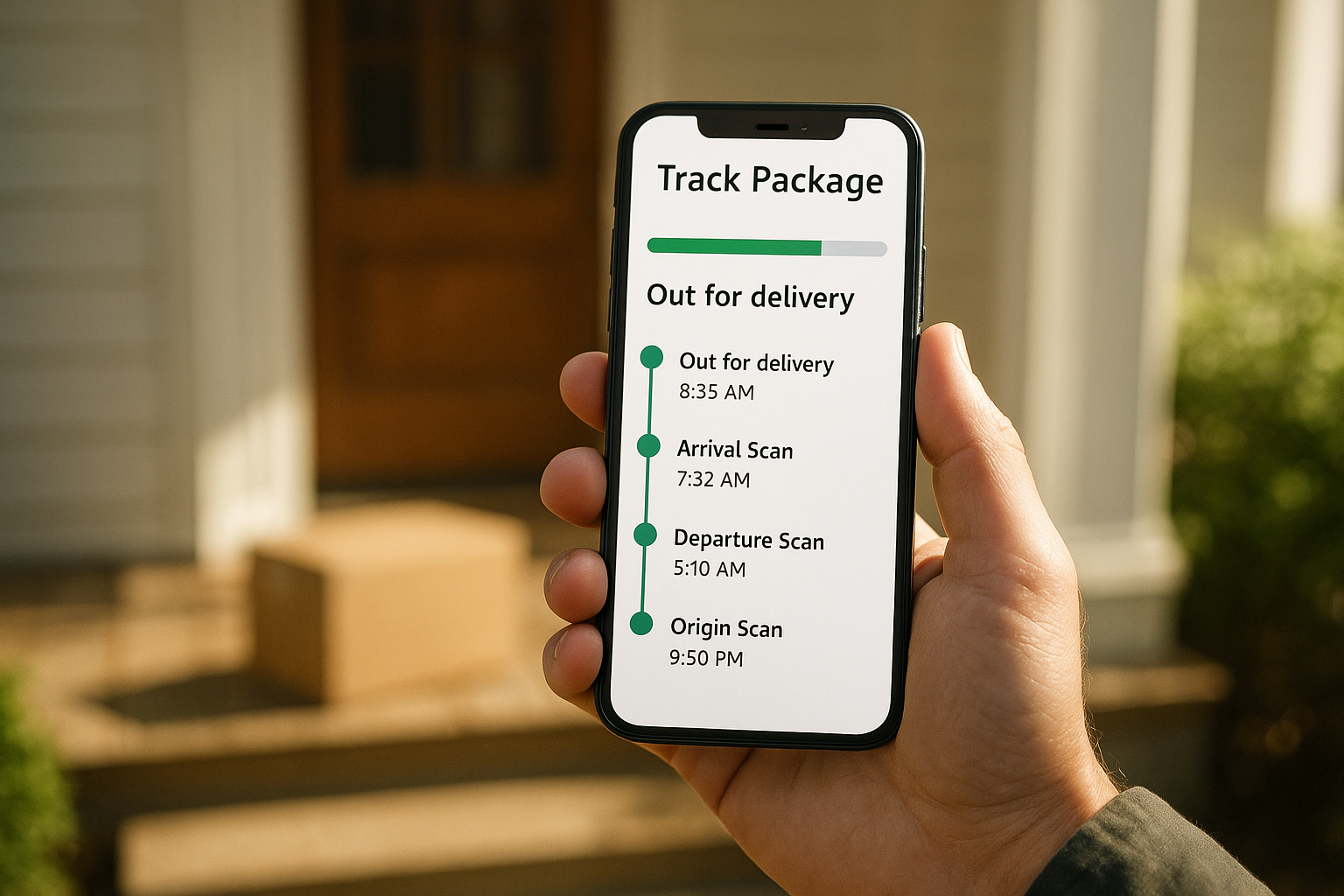
FedEx Delivery Manager is a free online tool that lets you decide exactly how, when, and where your FedEx packages land, right down to the porch, the pickup counter, or a trusted neighbor’s door. For everyday online shopping, it genuinely solves the “I missed the driver again” problem. However, once a business starts shipping pallets instead of parcels, this same tool quickly reaches its limits, and that’s where a different kind of logistics support becomes necessary.
Quick Answer: FedEx Delivery Manager is a free FedEx.com feature that lets residential customers set delivery instructions, reschedule arrivals, redirect packages, and receive real-time alerts for incoming shipments. It only covers small-parcel deliveries, not freight, LTL, or truckload shipments.
What Is FedEx Delivery Manager?
FedEx Delivery Manager is, at its core, a self-service control panel for your incoming packages. Specifically, it connects to your FedEx.com account and watches for any shipment addressed to you, then gives you the option to adjust how that package gets delivered before the driver ever shows up.
Unlike basic tracking, which only reports a shipment’s location, this tool lets you actively intervene. For instance, you can request a signature, release the package without one, hold it at a staffed location, or send text alerts to your phone the morning of delivery. As a result, fewer packages sit on a porch overnight or get marked as a failed delivery attempt.
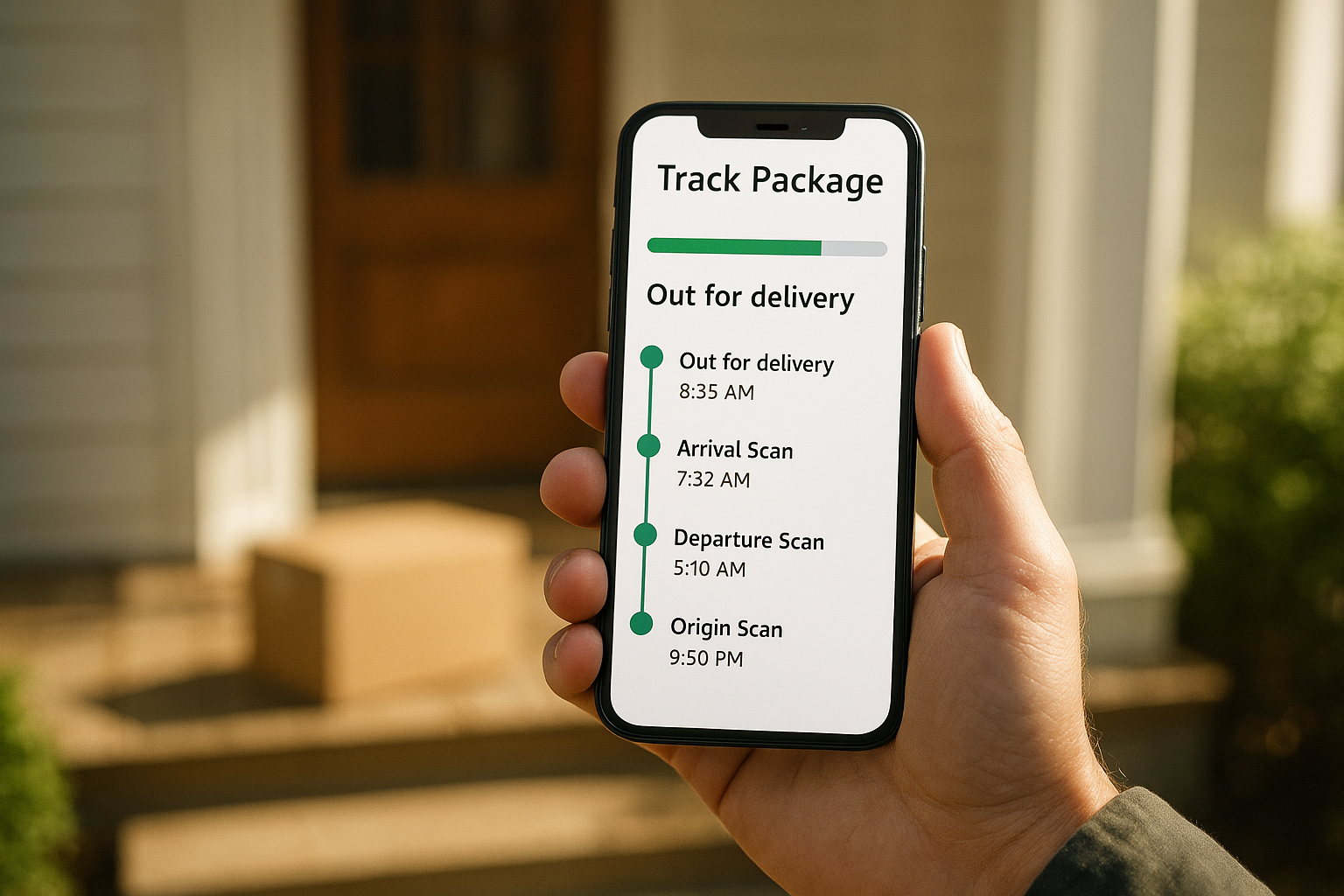
Managing delivery preferences through an app has become the standard way households track daily shipments.
Core Features of This Package Delivery Management Tool
Several features make this platform genuinely useful for residential shippers. In particular, the following options cover most everyday delivery headaches:
- Delivery date and time window selection
- Hold-at-location requests for FedEx Office or retail partners
- Signature requirement toggles for high-value packages
- Vacation hold to pause deliveries while traveling
- Trusted neighbor and safe-drop instructions
- Real-time text and email delivery alerts
According to FedEx’s own public reporting, the company moves tens of millions of packages through its network every single day. [1] Given that scale, a self-service tool that reduces missed deliveries benefits both the shipper and the carrier.
How to Set Up Your FedEx Delivery Manager Account
Getting started takes about ten minutes. Follow these steps in order to avoid the most common setup errors:
- Create or log into your FedEx account at FedEx.com using your email address and a verified mailing address.
- Verify the exact delivery address so Delivery Manager can correctly match incoming shipments to your profile.
- Set your preferences, including hold-at-location, signature requirements, or release-without-signature for lower-value items.
- Turn on text and email alerts so you get a heads-up before the courier arrives at your door.
- Add a trusted neighbor or household contact who can accept packages when you are unavailable.
- Save your settings and check your inbox for the confirmation email verifying activation.
Once saved, these preferences apply automatically to future shipments, so there is no need to reconfigure anything for each new package.
Benefits of Using a Delivery Preference Tool Like This One
The clearest benefit is fewer missed deliveries, which matters because a redelivery attempt can add a full day or more to a shipment’s timeline. In addition, the alert system reduces porch theft risk by letting you plan to be home, or redirect the package to a safer location, before it arrives.
Furthermore, small business owners who ship or receive modest parcel volumes appreciate the visibility. Rather than guessing when a shipment will land, they can plan staffing or customer pickups around a known window. That said, this convenience is scoped specifically to parcel-level shipping, not freight.
FedEx Delivery Manager vs. Freight Shipment Tracking: Where the Tool Stops Working
Here is the distinction that trips up a lot of growing businesses: parcel tools like this one were never built for pallets, oversized freight, or multi-stop truckload routes. Consequently, once a shipment moves from a small box to a pallet, or from one box to forty boxes on a skid, the entire tracking and liability structure changes.
Freight shipments typically move under a bill of lading, carry different insurance requirements, and require coordination between a shipper, a carrier, and often a licensed freight broker. For reference, the Federal Motor Carrier Safety Administration regulates how brokers and carriers must operate in this space, which is a very different regulatory world than residential parcel delivery. [2]
When Your Shipping Needs Outgrow a Parcel Delivery App
At some point, businesses that start with small parcel shipments begin producing enough freight volume that a consumer-grade delivery dashboard simply cannot keep up. Pallets, flatbed loads, refrigerated freight, and multi-state truckload moves all require a different infrastructure entirely.
This is where a dedicated freight brokerage earns its keep. For example, Freight Tec’s logistics services connect shippers with vetted carriers across truckload, LTL, drayage, and refrigerated freight, essentially functioning as an outsourced shipping department that often moves freight cheaper, faster, and safer than handling it in-house.
On the carrier side, onboarding is built for speed rather than paperwork delays. Carriers working with Freight Tec’s network can complete carrier setup in as little as ten minutes, any time of day, and agents supporting those carriers have systems to get carriers fully set up in under six minutes when speed matters most.
Experienced freight agents considering a move often ask about commission splits, agent ownership, and 24/7 support. Those answers, along with details on how agents are protected against back-solicitation and service failures, are worth reviewing before committing to any brokerage. It also helps to meet the team supporting agents day to day before making a switch.
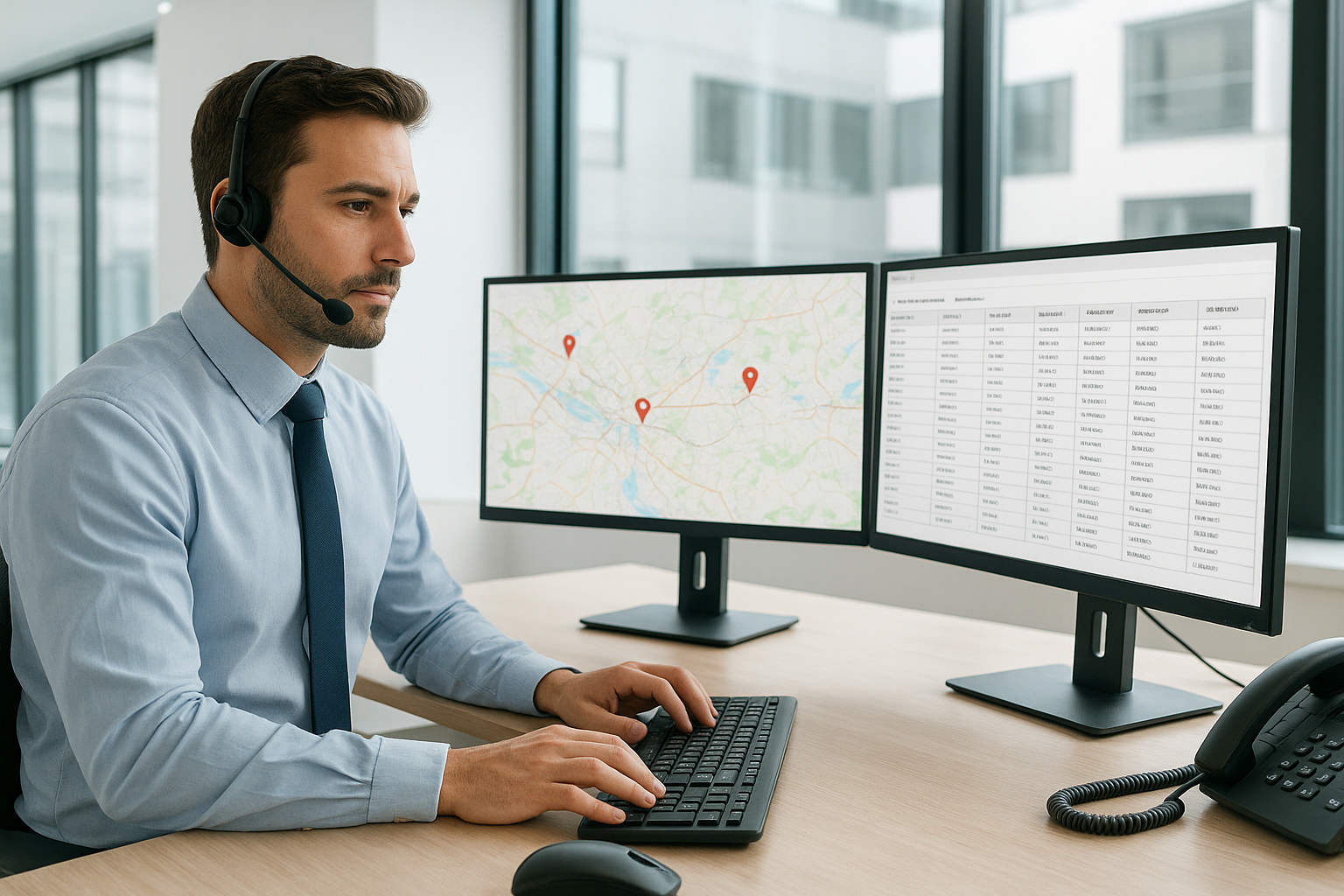
Freight shipments require dispatcher-level coordination that parcel delivery apps are not designed to handle.
Common FedEx Delivery Manager Problems and Fixes
Even a well-designed tool runs into friction occasionally. Most issues, however, trace back to a handful of root causes that are easy to resolve once identified.
If alerts stop arriving, double-check that notifications are enabled under account settings, since app updates sometimes reset preferences. Similarly, if a hold-at-location request fails, confirm that the chosen location’s hours still align with the courier’s scheduled drop-off window. Finally, if a package shows no movement for more than a day, it usually means the shipper has not yet handed it to FedEx, rather than an error in the app itself.
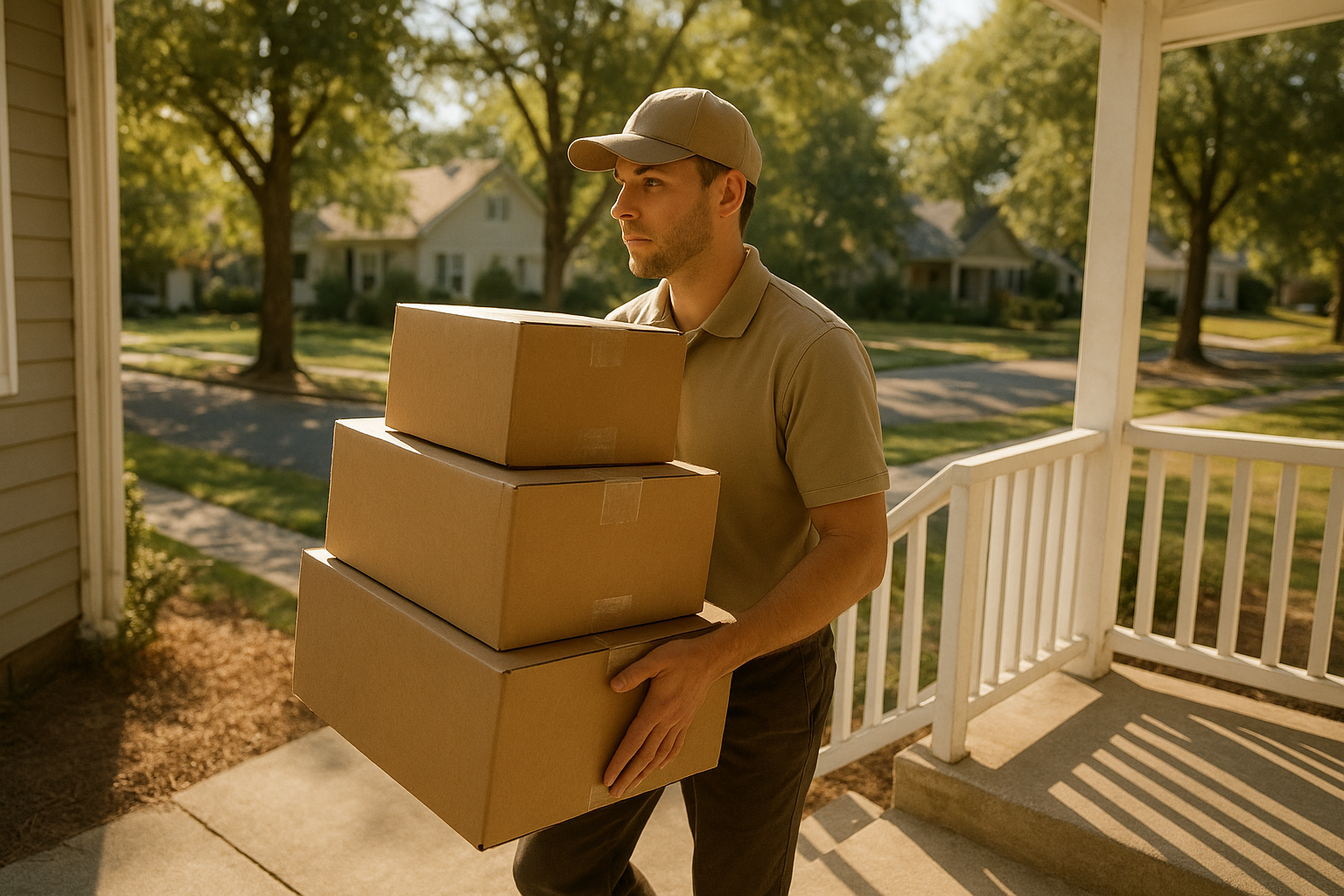
Clear delivery instructions help couriers complete residential drop-offs on the first attempt.
Frequently Asked Questions About FedEx Delivery Manager
What is FedEx Delivery Manager?
FedEx Delivery Manager is a free online dashboard that lets you set delivery preferences, reroute packages, and receive alerts for incoming FedEx shipments. It works for both residential and business addresses enrolled with FedEx.
How do I sign up for FedEx Delivery Manager?
You create a free FedEx.com account, verify your address, and opt in to Delivery Manager alerts from your account settings. Once verified, the tool automatically tracks packages addressed to you.
Is FedEx Delivery Manager free to use?
Yes, it is free for anyone with a FedEx.com account. There is no subscription fee for standard features like alerts, hold-at-location requests, or signature preferences.
How long does it take to set up FedEx Delivery Manager?
Most people finish setup in under ten minutes once they have a verified account and confirmed address. Adding trusted neighbors or custom instructions may take a few extra minutes.
Can I use FedEx Delivery Manager without a FedEx account?
No, a free FedEx.com account is required because preferences are tied to your verified identity and address. This requirement also protects against unauthorized rerouting of someone else’s packages.
What is the difference between FedEx Delivery Manager and standard FedEx tracking?
Standard tracking only shows you where a package is, while Delivery Manager lets you actively change how and when it arrives. In other words, tracking is passive and this tool is interactive.
Why isn’t my FedEx Delivery Manager showing updated delivery status?
Delays usually happen because the shipper has not yet handed the package to FedEx or scan data is still syncing. Give it a few hours, and contact FedEx support directly if the status stalls for more than a day.
Can businesses use FedEx Delivery Manager for freight shipments?
It is built for small parcels, not pallets, truckloads, or LTL freight. Businesses moving larger volumes typically need a freight broker or 3PL for proper tracking, rate negotiation, and claims support.
What common mistakes do people make with delivery preferences?
A frequent mistake is setting a hold location without confirming its hours, which causes repeated failed pickups. Another is forgetting to update preferences after moving, which sends new packages to an old address.
Can I redirect a package to a different address?
Yes, you can reroute eligible packages to another address, a FedEx location, or a trusted neighbor before the final delivery attempt. Redirection options depend on the shipment’s current status in the network.
Does FedEx Delivery Manager work for international shipments?
It primarily supports domestic U.S. residential deliveries, with limited functionality for some international shipments. Cross-border freight moving into Canada or Mexico generally requires brokerage support instead.
What should a business do once shipping volume outgrows a tool like this?
Once shipments move beyond single parcels into pallets or truckloads, a business typically needs a licensed freight broker to manage carriers, rates, and claims. Partnering with an experienced freight agent or brokerage keeps larger shipments organized and protected.
Final Takeaways
In summary, FedEx Delivery Manager remains one of the simplest ways to take control of residential package deliveries, cutting down on missed drop-offs and giving households real-time visibility. For small parcel shipping, it does exactly what it promises. However, once shipping needs scale into pallets, truckloads, or multi-state freight lanes, this consumer tool reaches its ceiling fast. At that point, working with an established freight brokerage, or a dedicated freight agent who understands commission structures, carrier vetting, and 24/7 support, becomes the more reliable path forward for protecting both the shipment and the bottom line.
Sources: [1] FedEx company overview, Wikipedia. [2] Federal Motor Carrier Safety Administration. Delivery Manager tool details referenced from FedEx’s official Delivery Manager page.